Prompt for Comments Overview
The First Glance mobile app can be configured to display a Comments box immediately after each badge scan, allowing staff to enter quick comments about the visitor. Any comments entered are automatic…

The First Glance mobile app can be configured to display a Comments box immediately after each badge scan, allowing staff to enter quick comments about the visitor. Any comments entered are automatically included in the salesperson notification.
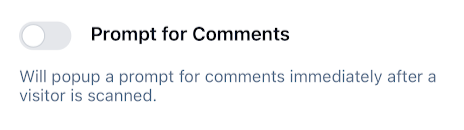
This is commonly used to describe the visitor or group of visitors so that the salesperson can more easily locate them in the showroom.
If you choose this feature when you order your market services, it will already be enabled for you on your devices. You can enable/disable it yourself in the app's Settings area.
There is no additional charge for this feature.
Important: Comments are a separate feature from visitor Notes, which are not included in the salesperson notifications. Notes are meant to for follow-up purposes after an event, ex if the visitor asked for a catalog.
How did we do?
Salesperson Notification Overview
Scanner Names Overview
